
An easier first step
Choose a deposit from the options listed on your selected phone.
The latest smartphones, clear prices and flexible payment options — all in one place. Find your phone, choose a plan and apply online.
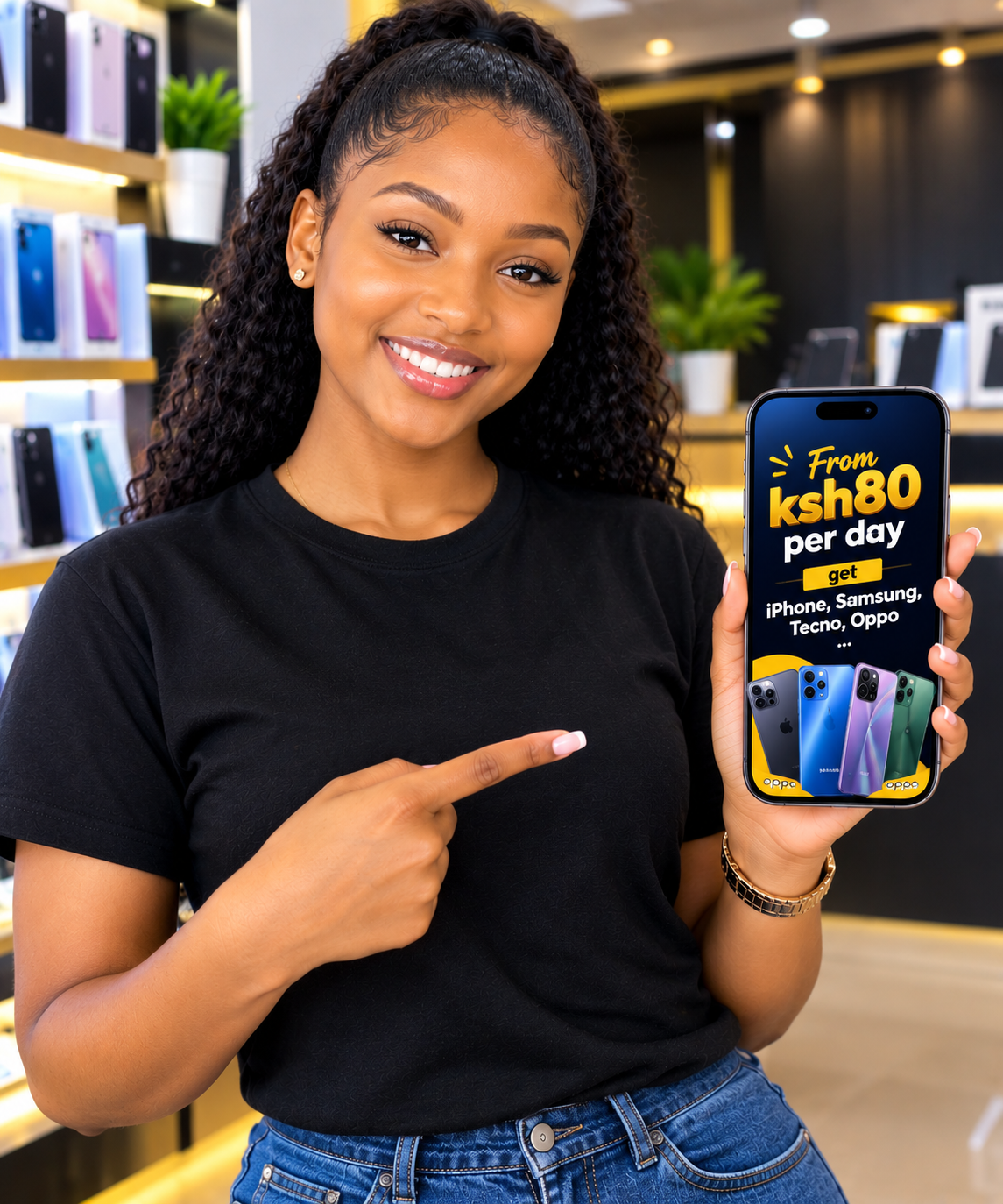
See the details upfront, choose how to pay, and keep track as your application moves forward.
Choose a deposit from the options listed on your selected phone.
Pick a supported daily or weekly plan, with custom weekly payments where available.
Request delivery to a supported location. Any delivery fee is confirmed before payment.
Prefer to collect? Choose pickup at Lavington Mall, Lavington, Nairobi when you apply.
When checkout is enabled, prompts use Safaricom. Enter your PIN only on your phone.
Use your tracking ID and phone number to check the latest application update.
Browse current phones and compare their listed payment plans.
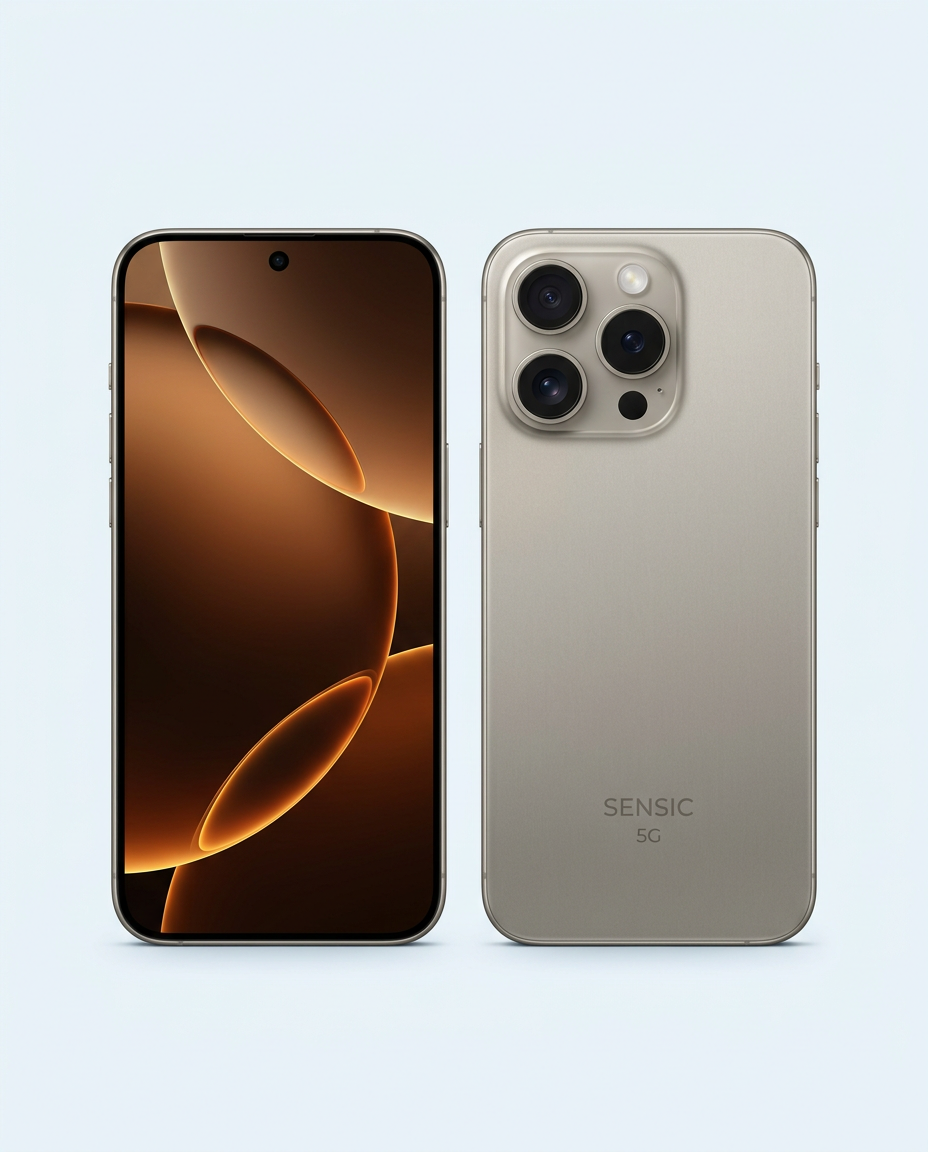 AppleJust added
 SamsungPopular
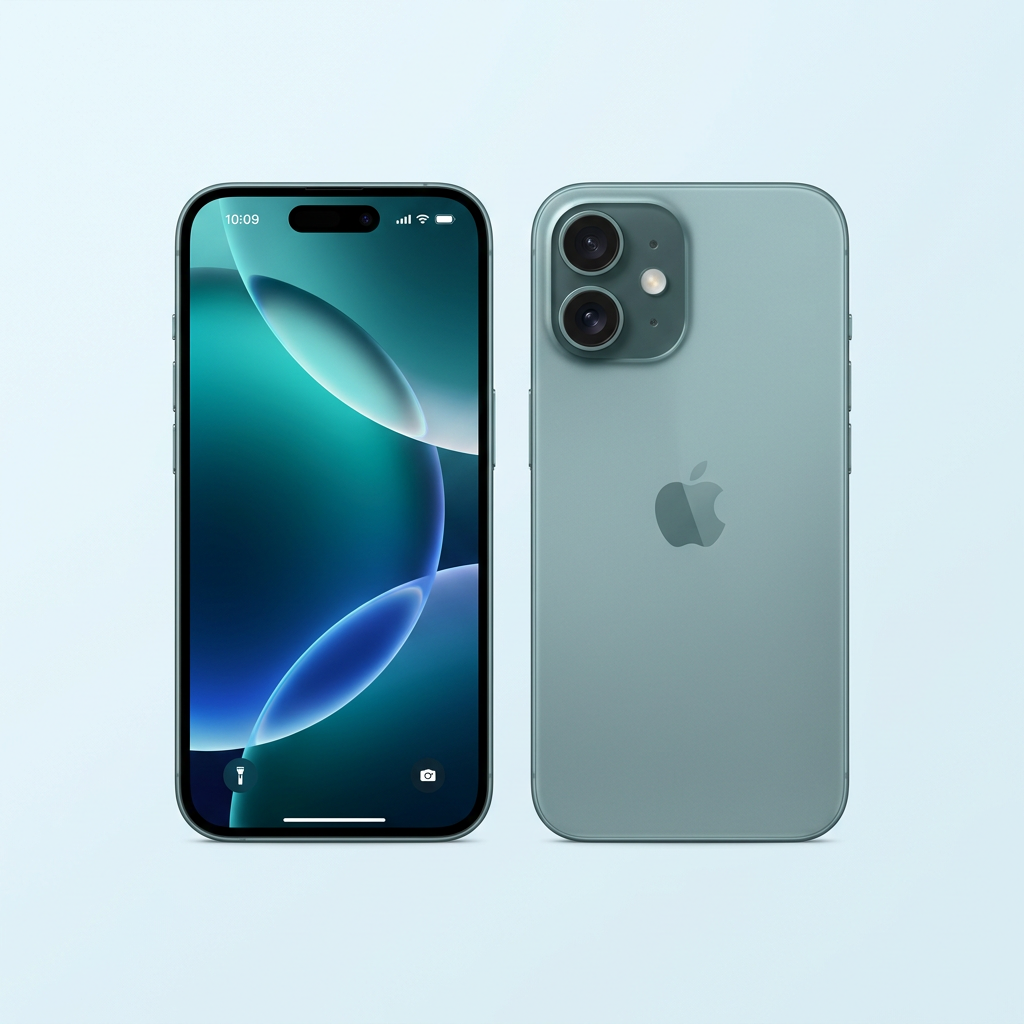 AppleJust added
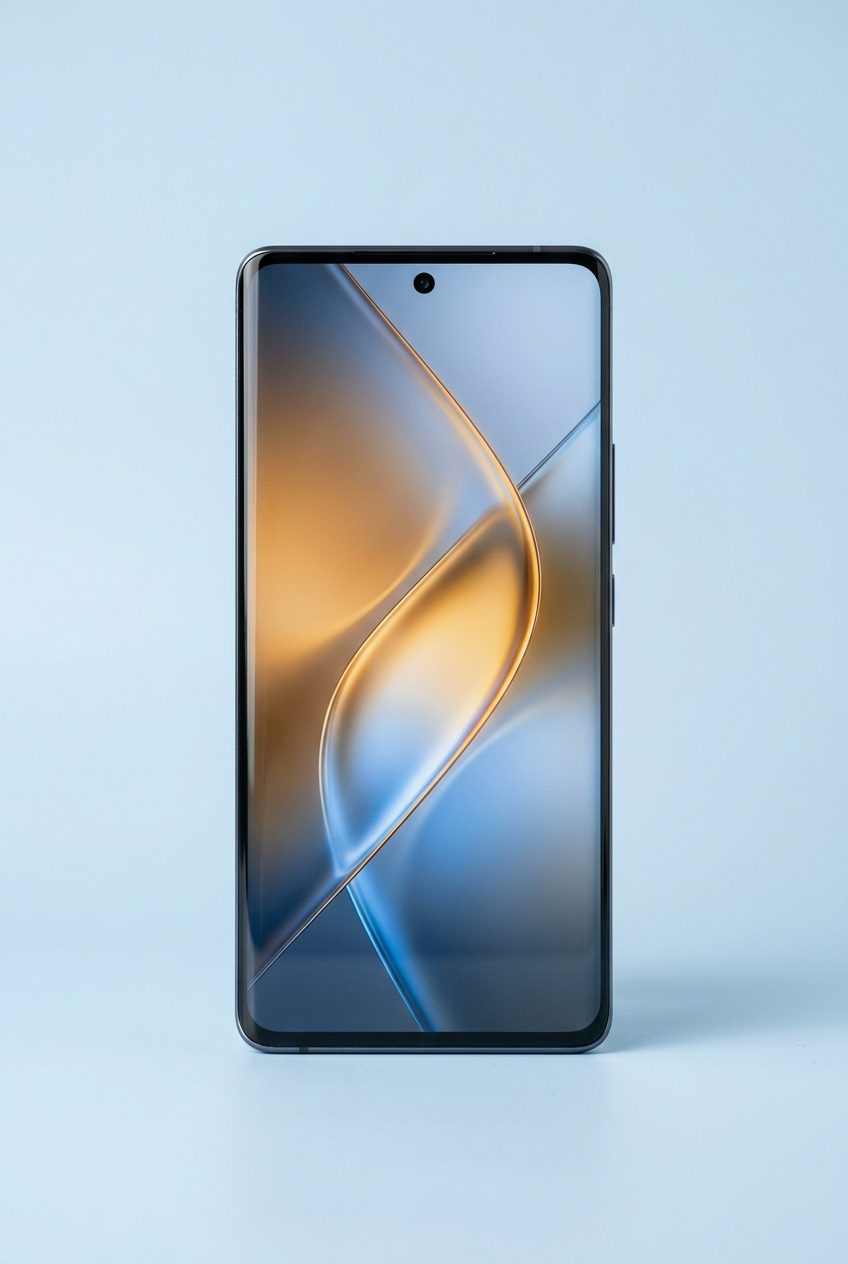 InfinixJust added
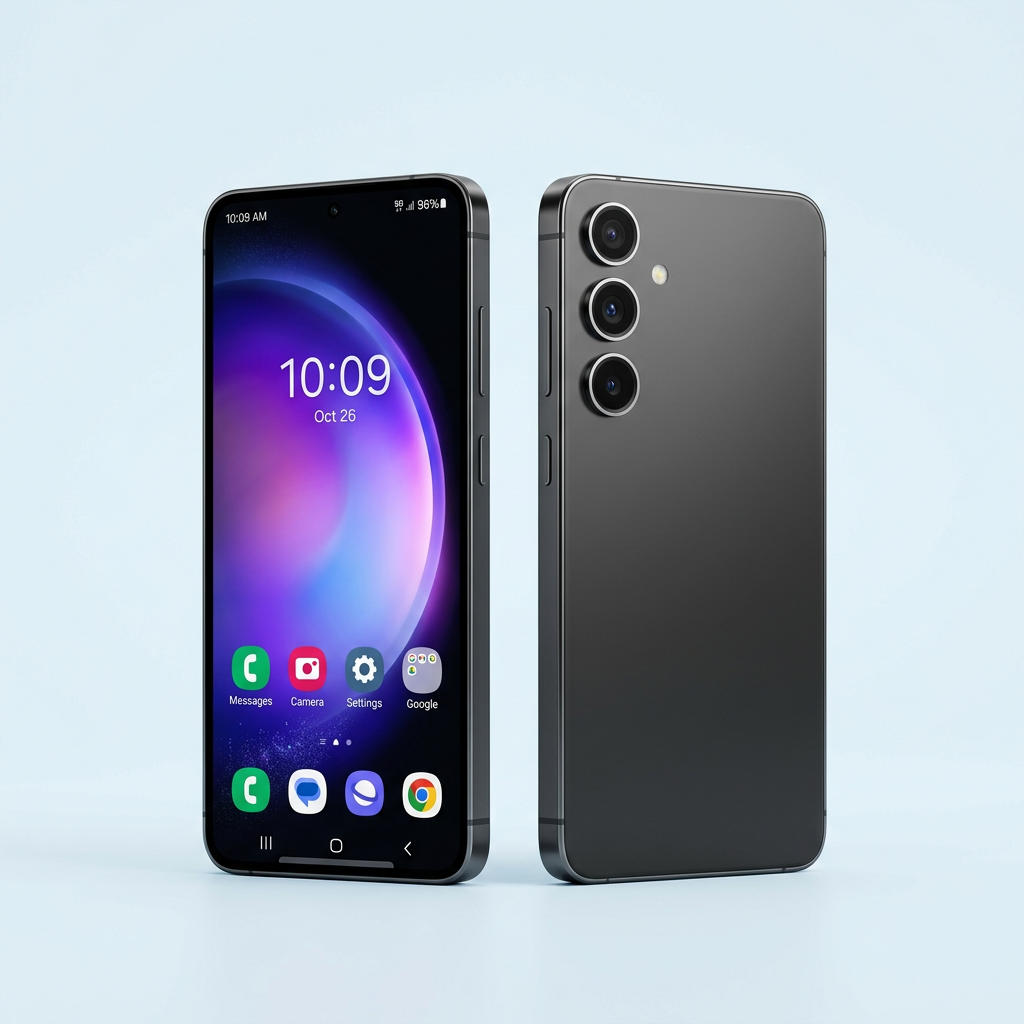 SamsungJust added
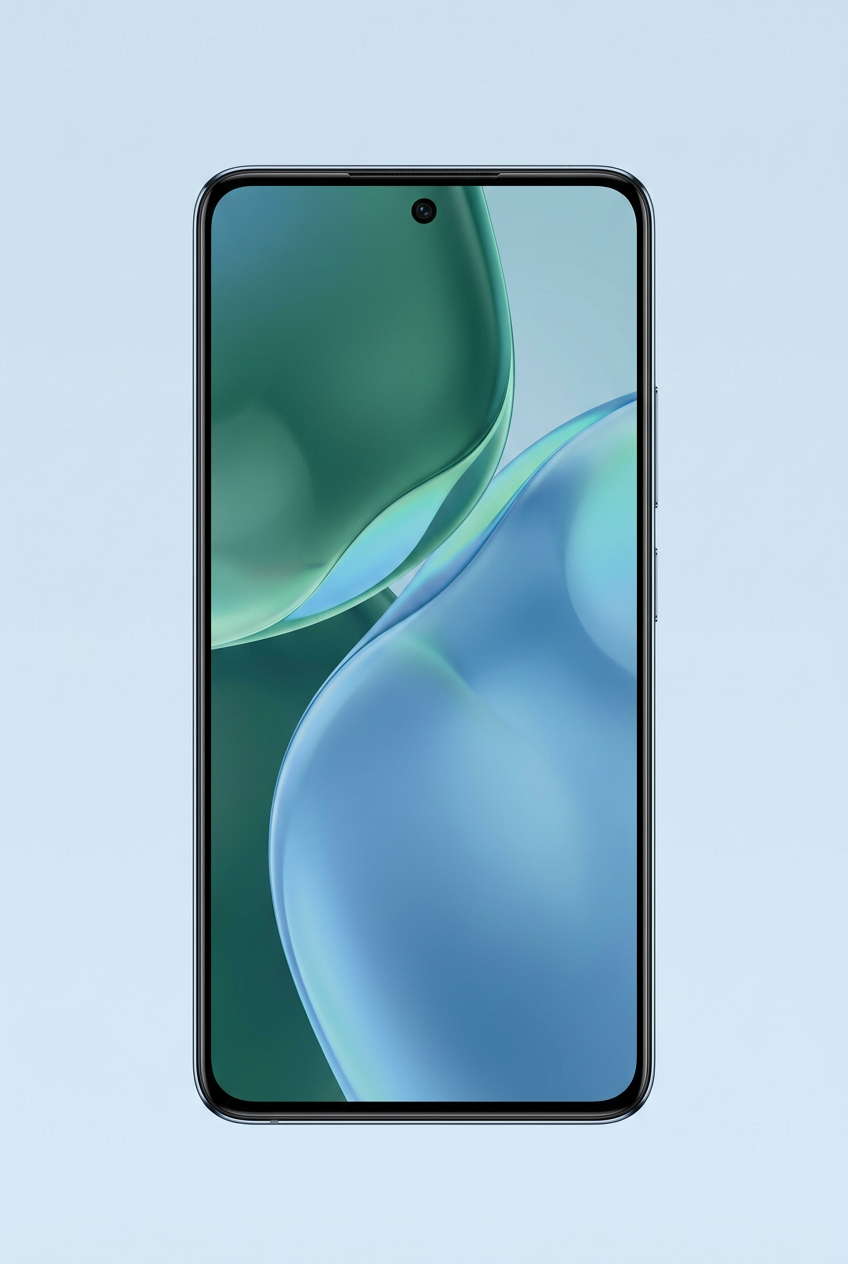 TecnoJust added
Know what to expect at every step of your MobiKopa application.
Compare current cash prices, MobiKopa prices, deposits and available plans.
Browse phonesSelect an available payment frequency and see an estimate before you apply.
Explore plansSubmit your details, complete any displayed M-Pesa fee, then track the update.
Track applicationPlan options vary by phone. The exact minimum, deposit and estimated duration are calculated from the current catalogue before you submit.
Lavington Mall, Lavington, NairobiMobiKopa Kenya helps customers explore smartphones with clear upfront pricing and flexible payment options. Choose from the live catalogue, build a plan around the selected phone, and send your application for review.
Pick up at Lavington Mall, Lavington, Nairobi, or request delivery in a supported area. Availability and next steps are confirmed with you after application.
Meet the phone catalogueHave another question? Use the support panel or send an application and the MobiKopa team will follow up.
Track an applicationChoose an available phone, review its current deposit and payment options, then send an application. Our team will contact you about the next step after your application is submitted.
For phones with a custom weekly option, you can enter an amount at or above that phone’s displayed minimum. The plan estimate updates before you submit.
The application verification fee is KSh 180 for new applications. On the payment page, click the pay button below to request an M-Pesa prompt. Check your phone and enter your PIN only in the official M-Pesa prompt. The application is marked paid only after backend confirmation from Safaricom.
Choose delivery and add your location, or select pickup at Lavington Mall, Lavington, Nairobi. Our team will confirm availability and any delivery fee before you proceed.
After the verification payment is confirmed, you receive an order ID and tracking ID. Use the tracking ID together with the phone number on your application to view its status and timeline.
Pick up at Lavington Mall, Lavington, Nairobi, or use the support button to ask about phones, plans, tracking or delivery.